Role details
The Role details page displays the details of a specific role.
Permissions not assigned to the logged in user are disabled.
Default
Use the Default check box to set the role as the default role.
If this check box is checked, the current default role will be unset.
The Default check box is disabled for the default role.
Save
The Save button is enabled only if the logged in user has Edit Roles permission.
Delete
The delete button is disabled for the default role, and for roles assigned to other users.
The role cannot be deleted if it's assigned to other users.
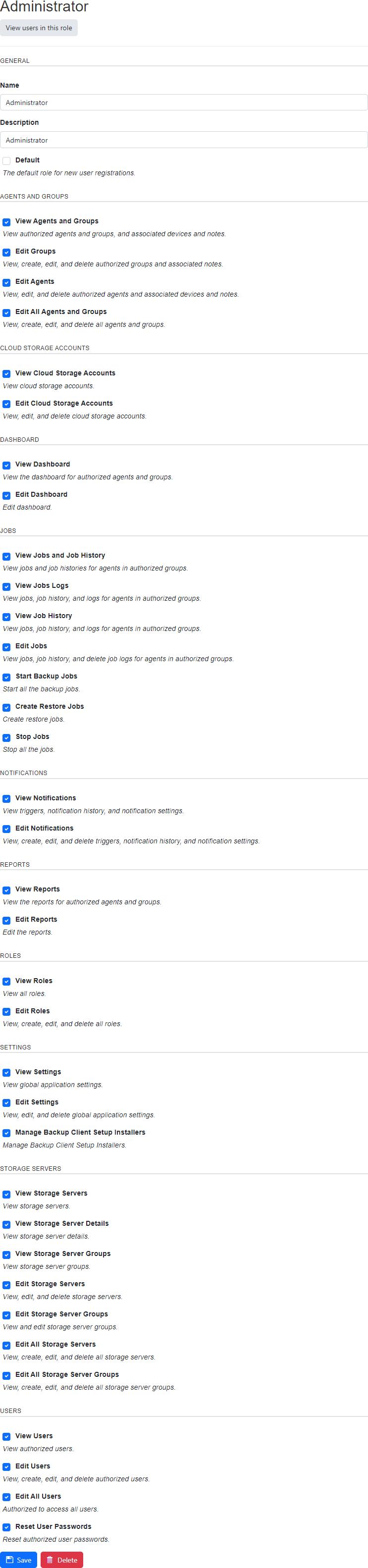
View users in this role
Click on the View users in this role button to view the list of users associated with the role.
Permissions required
View Roles